
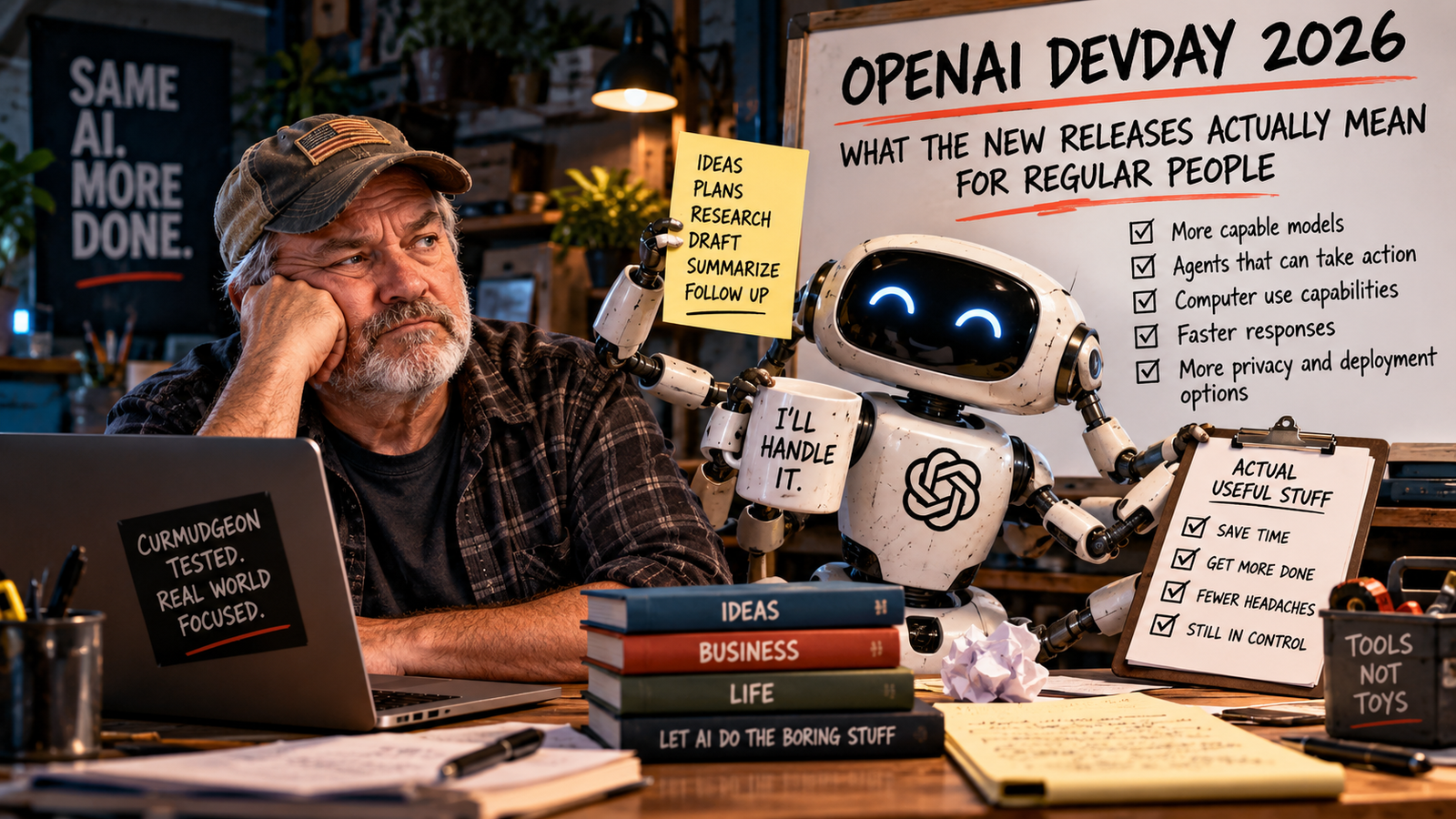
OpenAI DevDay 2026 took place on September 29 in San Francisco. The event was built for developers, engineers, technical founders, and other people who enjoy hearing phrases like “service tier” without immediately checking whether the exits are clearly marked.
For everyone else, the obvious question is simpler: What, if anything, does this actually mean for normal people using AI? Quite a bit, actually.
Not because you suddenly need to learn APIs, memorize model names, or pretend you have strong opinions about token pricing. The useful part is the direction OpenAI is signaling. AI is moving from mostly answering questions toward doing more of the work itself. That is the part worth understanding.
OpenAI DevDay 2026: The Short Version
For the last few years, most people have experienced AI as a very capable conversation box. You ask. It answers. You argue with it. It apologizes enthusiastically. You ask again.
OpenAI DevDay 2026 pushed much harder toward something different: AI systems that can use tools, work through multiple steps, operate software, delegate parts of a job, and keep working in the cloud.
That does not mean we have arrived at some science-fiction robot employee who can run your business while you play golf. It means the boundary between “give me an answer” and “go do this task” is getting thinner. That is a much bigger change than another model name.
1. Agents Can Use Browsers and Software
OpenAI added computer use to its Agents API. In plain English, that means developers can build AI agents that work through software interfaces instead of only generating text. An agent may be able to open a browser, navigate a website, use tools, and complete steps inside a controlled environment.
That matters because many real jobs are not a single question. They look more like this:
- Find the information.
- Open the right system.
- Compare a few options.
- Fill something out.
- Check the result.
- Bring the human back in before anything consequential happens.
That workflow is much closer to how people actually work. It is also where things get more interesting, because an AI that can act needs more than a clever prompt. It needs boundaries.
What is it allowed to open? What can it change? What requires approval? What should never happen automatically?
Those questions are becoming more important than memorizing the latest list of prompt tricks.
2. AI Can Delegate Work to Other AI
OpenAI also confirmed multi-agent support in beta for GPT-6.1 Sol. That means one AI system can hand portions of a job to other AI agents.
The concept sounds dramatic until you realize humans invented this centuries ago and called it “delegation.” The difference is that the delegating manager is now software.
For example, one agent might handle research, another might review a document, and another might organize the final output. That could make complex work faster and more manageable. It could also create three beautifully organized wrong answers instead of one.
The useful lesson is not “multi-agent systems are magical.” The useful lesson is that AI workflows are becoming more modular. Instead of asking one giant question and hoping for a miracle, systems can break work into smaller jobs.
That is usually a better way to think about AI anyway: define the task, separate the parts, set limits, and check the result.
The technology is becoming more sophisticated. The basic management principles remain suspiciously ordinary.
3. More Work Can Continue in the Cloud
OpenAI’s ChatGPT Business and Enterprise release notes also confirmed updates around Codex Cloud. The important idea is that some tasks can keep running in an isolated cloud environment even when your own computer is asleep.
Today, Codex is aimed heavily at software development. But the broader direction matters beyond coding. We are moving toward AI work that does not require you to sit there staring at the screen while it happens.
That opens the door to more background work, recurring tasks, longer-running jobs, and workflows that span devices. It also creates another question regular users will need to get used to: What is the AI doing when I am not watching it?
That question should not make you terrified. It should make you thoughtful, especially when the warning sounds bigger than the evidence.
Humans somehow learned this lesson with interns, contractors, autopay, and teenage drivers. We can probably survive applying it to AI too.
4. Faster and Cheaper Models Matter, Even If You Never Touch an API
OpenAI released GPT-6.1 Sol for complex coding and professional work at lower standard API pricing than GPT-6 Astra. It also introduced an Ultrafast tier for GPT-6 Astra.
If you are not a developer, your eyes may already be glazing over. Stay with me. You do not need to care about the actual token prices.
What matters is what cheaper and faster AI usually leads to. Developers can afford to use better models in more places. Products can perform more AI work behind the scenes. Tasks that were too slow or too expensive become practical. More businesses start building AI into ordinary workflows.
So even if you never open an API console in your life, the economics behind these models eventually influence the software you do use. You do not need to understand the plumbing to notice when every sink in the building suddenly has running water.
5. AI Is Becoming More Connected to the Rest of Your Work
OpenAI also announced or previewed a broader collection of tools around plugins, connected apps, triggered automations, team workspaces, persistent agents, shared files, collaborative documents, and integrations with products such as Slack and Microsoft Teams.
Some of these are available now. Some are in beta. Some are limited previews. Some are still coming. That distinction matters.
A keynote demonstration is not the same thing as something every user can open today. Still, the direction is obvious: AI is becoming less isolated.
Instead of living in one chat window, it is increasingly being connected to the systems where your work already lives: email, documents, team conversations, websites, business software, files, and tasks.
For ordinary users and small businesses, that may eventually matter much more than the newest model benchmark.
What You Do Not Need to Care About
You do not need to memorize GPT-6.1 Sol, GPT-6 Astra, Luna, Agents API, Decisions API, or whatever name appears next month after someone in a conference room decides the existing product taxonomy was insufficiently confusing. You also do not need to become an “agent expert.”
Product names will change. Plans will change. Interfaces will change. Features will move from preview to beta to general availability and occasionally disappear into the same mysterious fog that swallowed half the software buttons you learned ten years ago.
The durable skills are much less exciting:
- Know what job you want done.
- Give useful context.
- Define the boundaries.
- Specify what a finished result should look like.
- Decide what requires your approval.
- Verify important outputs.
Those habits survive product launches.
The Part I Would Pay Attention To
The biggest change is not that AI is becoming smarter. It is that AI is being given more ability to act.
When AI only generates text, a bad answer is annoying. When AI can use tools, operate software, move through websites, and trigger workflows, a mistake can become an action. That makes permissions, review, and verification more important.
Before handing a task to an agent, ask:
What can it see?
Does it have access to email, files, customer information, company systems, or private documents?
What can it change?
Can it only read information, or can it send messages, edit records, make purchases, or delete things?
Where does a human approve the work?
Routine low-risk work may be fine to automate. Anything involving money, legal commitments, private information, public communication, or irreversible changes deserves more supervision.
How will I know if it went wrong?
If nobody checks the output, automation can simply make mistakes faster. A machine completing twenty steps without bothering you is convenient. A machine completing twenty wrong steps without bothering you is technically also very efficient.
So What Should You Do Today?
Probably nothing dramatic. Do not buy six new AI tools because somebody onstage showed a polished demo. Do not rebuild your company around a feature that entered beta yesterday. Do not spend the weekend learning every new OpenAI product name.
Instead, get better at describing work. Take one recurring task and define:
- The job.
- The information needed.
- The rules and constraints.
- What the AI is allowed to do.
- What requires your approval.
- What the finished result should look like.
- How you will check it.
That preparation becomes more valuable as AI becomes capable of doing more.
The technology is changing quickly. The human job is becoming clearer.
Tell the system what good work looks like, give it appropriate boundaries, and keep responsibility for the decisions that actually matter.
Apparently, after several billion dollars of AI development, we have rediscovered management.
Sources
OpenAI Developer Community — DevDay 2026 announcements and developer resources
ChatGPT Business release notes