If you built Gemini Gems to handle your recurring jobs, Google has news. Gems are being replaced by something called “skills,” and on personal Google accounts, Gems go away in November 2026.
You finally learned what a Gem was. Now it’s a skill. Next year it will be something else, introduced with a keynote and a new icon.
Here’s what is actually changing, what to do this week, and how to write your instructions so the next rename doesn’t cost you anything.
What’s changing, and when
According to Google’s help center, product blog and Workspace pages:
- Skills replace Gems. A skill is a set of reusable custom instructions. You run one by typing “/” and its name in a Gemini chat. Gemini can also apply a skill on its own when your request matches it, and you can use more than one in the same chat.
- Personal Google accounts: Gems go away in November 2026.
- Work accounts (Google Workspace business, enterprise and nonprofit): Gems end in March 2027 at the earliest.
- School accounts (Workspace education): June 2027 at the earliest.
If you use Gemini through your employer, you have more time. If you use it with a personal Gmail account, November is close.
What Google says it will move for you, and what it won’t
Google says it will automatically convert your Gems to skills, along with supported files. That is the good news. The fine print:
- Some tools don’t come along yet. As of October 2026, skills don’t work with Canvas or Deep Research. Most built-in Gem tools, such as Create video, Create music and Guided learning, don’t work with skills yet either.
- Some files don’t either. For now, GitHub files aren’t supported in skills.
- Sharing isn’t there yet. Google says sharing skills and adding files from Google Drive are coming.
- Gems by Google Labs won’t migrate at all, and Google’s Opal experiment shuts down in November too.
- Work accounts have extra steps. In Workspace, converted Gems arrive as inactive drafts that you have to review and turn on. Gems you used inside Workspace apps don’t convert automatically.
So check each converted skill. Don’t assume it works the same as the Gem did.
Save your instructions this week
This takes a few minutes per Gem. Do it for the Gems you actually use. You can skip any you’ve stopped using.
- Open each Gem you use and copy its instructions into a document you control, such as a Google Doc or your notes app. Copy the name and description too.
- Download any knowledge files you attached to it, and keep them in the same place.
- Write down which tools it relies on. If a Gem depends on Canvas, Deep Research or the video or music tools, plan for it to behave differently as a skill.
- After the switch, open the new skill and compare it to your copy. Make sure the instructions came through intact.
- Test it on a real task you’ve run before, and check the result against what the Gem used to give you.
If you’d rather not wait, you can recreate a Gem as a skill yourself. Google’s help page puts it under Settings, then Skills, then “Create manually.” Menus move, so check Google’s transition page for the current steps.
Write instructions that survive the next rename
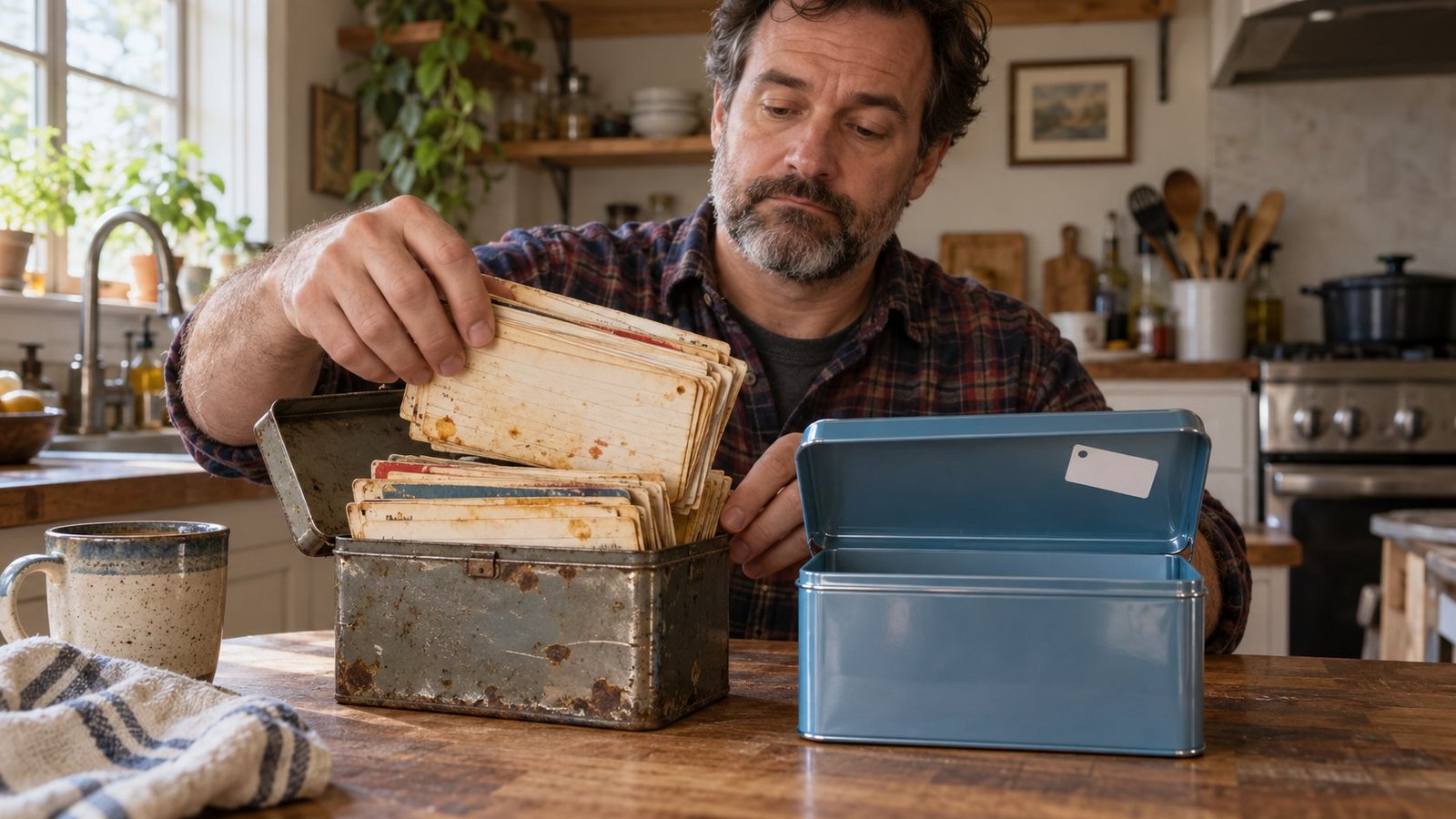
Notice what survives this change: the instructions you wrote. The Gem was a container. Your instructions were the useful part all along.
That’s true well beyond Google. Other AI tools have their own versions of saved instructions, each with its own name. Google even says skills use an open format called SKILL.md, a shared file layout other tools can read, so skills made for other platforms can be copied in. The names change. Good instructions move with you.
So write instructions that would make sense in any tool. A simple shape that works:
Job: [what this is for, in one sentence]
Context: [who it's for and what it should know about you or your work]
Rules: [tone, length, and anything to avoid]
Finish line: [what a good result looks like, and its format]
When unsure: [what it should ask or flag instead of guessing]
If your Gem instructions already look like that, moving them takes thirty seconds, today or the next time a vendor renames things. If they don’t, this is a good week to fix them. More on that in Better AI Instructions: Stop Chasing Better Prompts.
Where this goes wrong
- Assuming “converted” means “identical.” Test the skill before you rely on it for anything that matters.
- Losing the files. Instructions that say “use the attached price list” are useless if the price list didn’t make the trip.
- Mixing up the dates. Personal accounts and work accounts are on different schedules. Check which one you’re on.
- Learning the new name instead of the habit. Skills will get renamed or replaced eventually too. We said as much in our take on OpenAI DevDay 2026.
The short version
Copy your Gem instructions somewhere you control before November, test the skills Google makes from them, and write instructions that would work in any tool. Somewhere, a product team is already naming whatever replaces skills.